
Confusing completion with CG completion
Reaching an ending does not prove that every gallery branch was viewed. Track the Pool Scene separately.
TADC Dating Sim Route Guide
Zooble's route is especially useful for gallery hunters because activity choices can produce different scenes and CG results. The Pool Scene is a confirmed branch point.
Difficulty is an editorial guide based on reported branch sensitivity and failure points. It is not an official in-game rating.
Quick Answer
Build the Zooble route during the first days, save before the Pool or outing choice, and replay the alternate activity option if the first album image remains locked.
| Stage | Recommended Approach |
|---|---|
| Days 1–2 | Establish Zooble as the route focus through direct, respectful interaction. |
| Day 3 | Prioritize Zooble-related activities when the schedule branches. |
| Pool / outing | Create a manual save. The alternate Pool Scene option can unlock a different CG. |
| Days 3–4 | Compare activity branches rather than assuming every scene leads to the same gallery result. |
| Day 5 | Keep the supportive tone consistent with the earlier route choices. |
Vocastar directly confirmed that choosing the other Pool Scene option unlocks a missing Zooble album image. Broader route advice is editorial and video-supported.
The strongest confirmed fact for Zooble's route comes from an itch.io question about a missing first album image. Vocastar answered that the player should choose the other option in the Pool Scene.
That reply confirms a real choice-to-CG relationship. If the route reaches an ending but the gallery is incomplete, the correct next step is not necessarily a full restart. Reload the save before the Pool branch and test the alternate option first.
Zooble's route demonstrates why an ending and a completed album are separate goals. A player can finish the relationship path while leaving a scene variant unseen because the outing decision changes the visual reward.
Use separate saves for the start of the route, the activity selection, the Pool Scene, and the late-game ending choice. Clear labels make it easier to return to one branch without overwriting the route state you already completed.
The embedded all-endings video provides a visual reference for dialogue and outcome differences. It is most useful after you have identified which album slot is missing.
Do not assume the video proves that every choice shown is mandatory. Some selections may simply be the creator's route through the build. Treat the official Pool reply as confirmed and use the rest as a comparison tool.
Visual References
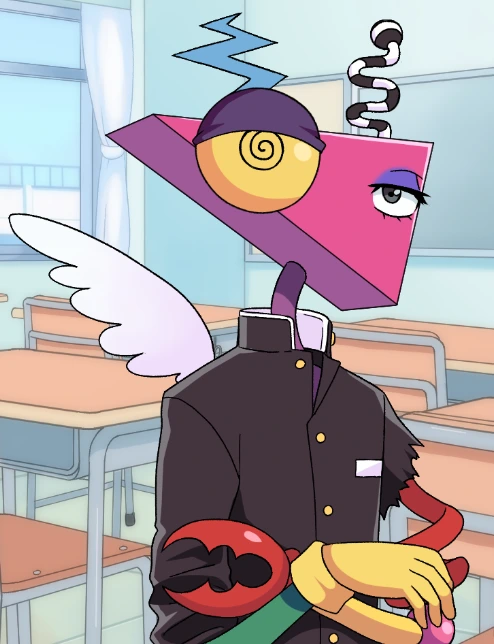
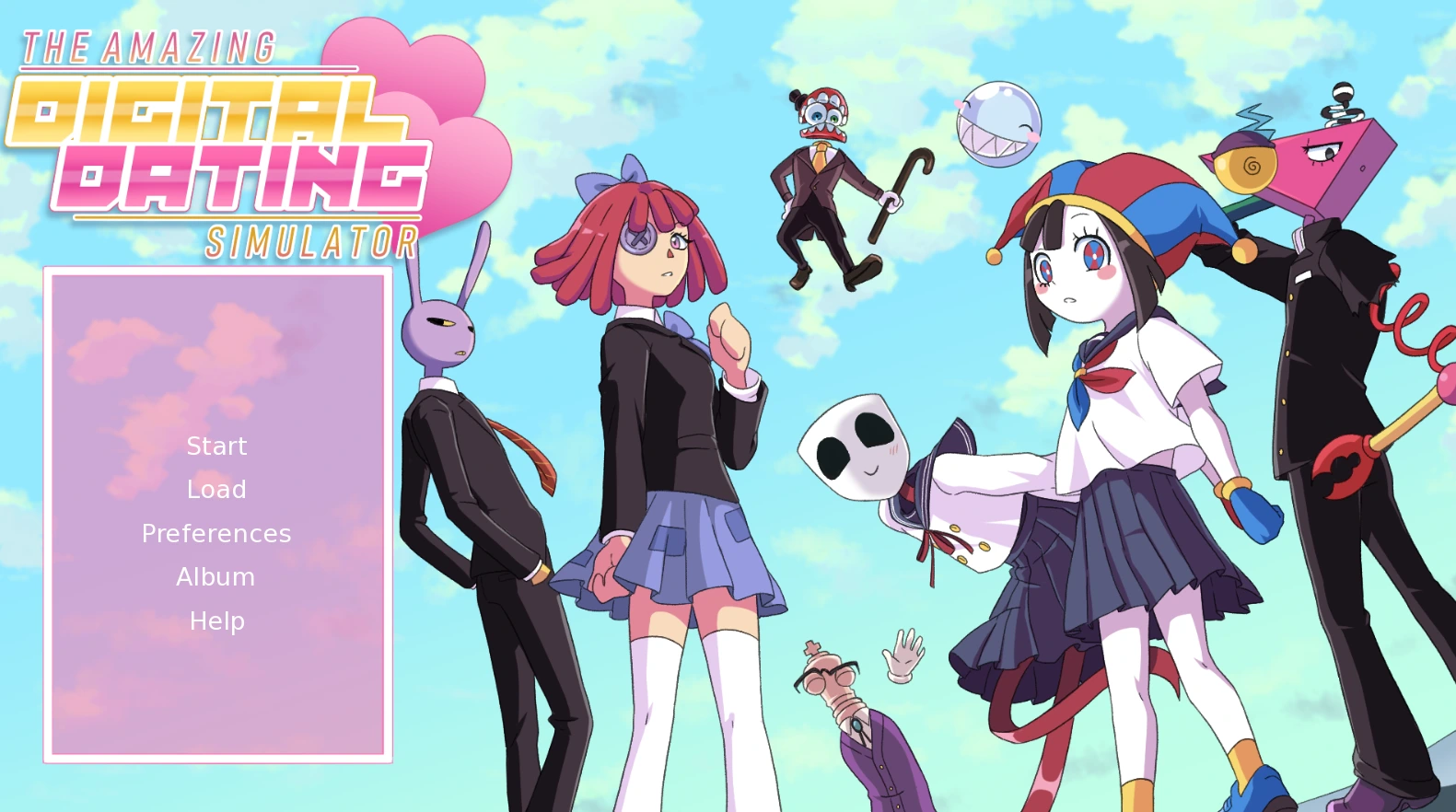
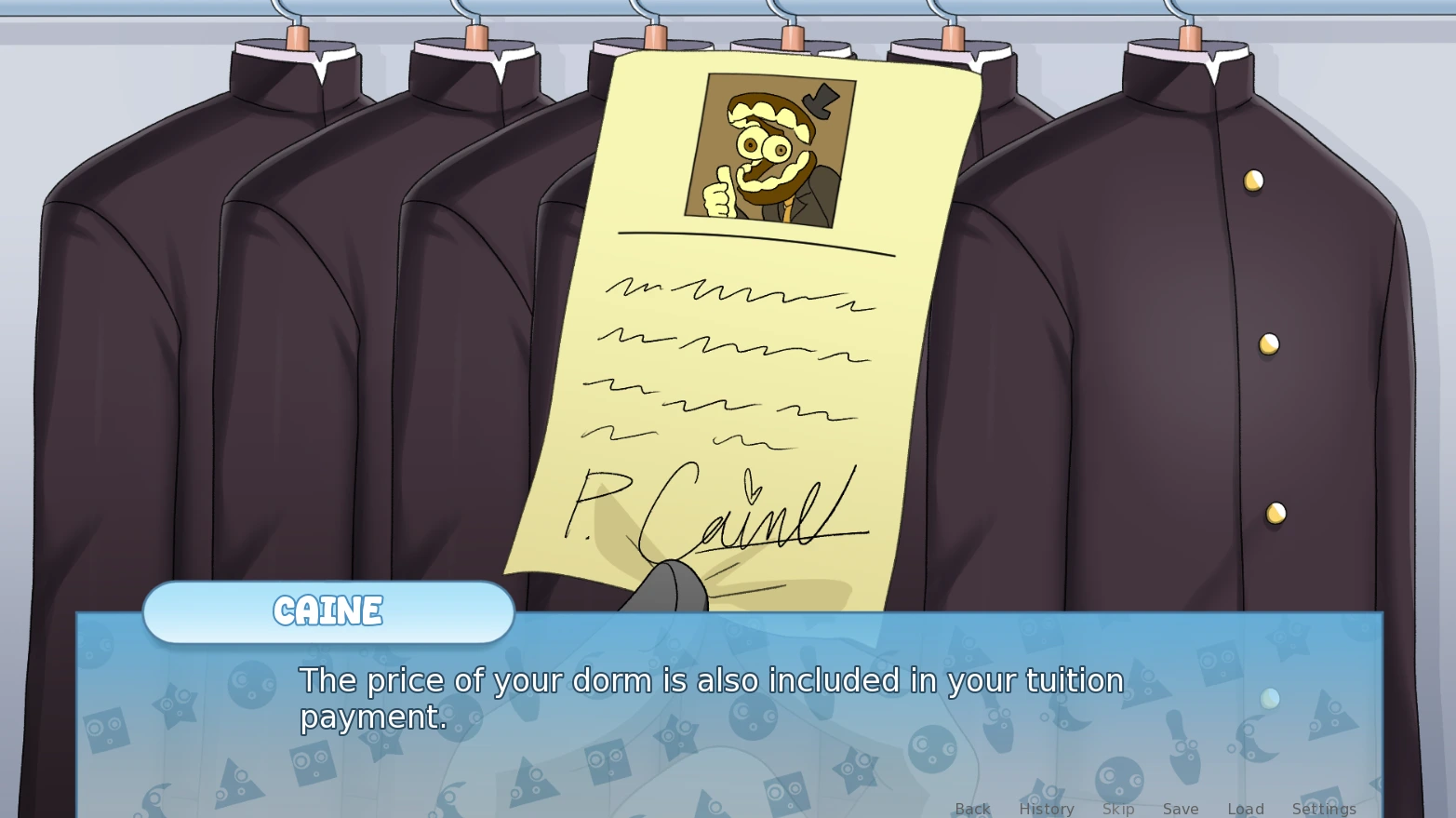
These images identify the route character, cast, and visual-novel interface. They are reference images rather than claims that every frame is an exclusive Zooble CG; use the embedded walkthrough below for route-specific choice and gameplay confirmation.
Reaching an ending does not prove that every gallery branch was viewed. Track the Pool Scene separately.
Create a manual save before the confirmed CG branch so you can compare its options efficiently.
Alter one activity or response at a time; otherwise you cannot tell which decision changed the result.
Video Walkthrough
These videos contain route and ending spoilers. Use them to verify scenes after a blind playthrough or to compare a missed branch.
A spoiler reference for Zooble route outcomes, activity branches, and gallery scenes.
Open on YouTubeOfficial sources confirm the game structure and selected route mechanics. Community videos are included as practical walkthrough references rather than treated as official design documentation.
This guide reflects the currently documented five-route release and the official itch.io information cited on this page. Exact wording and available scenes can differ between the browser and downloadable builds, so verify major release changes against Vocastar's current official game page.
Vocastar advised choosing the other option in the Pool Scene. Save before that choice and replay the alternate branch.
Yes. Route completion and CG collection can use different branch requirements.
No official difficulty is published. Choice-Sensitive describes the documented CG branch rather than an official rating.
Save before the activity selection and again immediately before the Pool Scene choice.