

Phone & Tablet Setup

Play TADC Dating Sim on Mobile

TADC Dating Sim can be opened on Android, iPhone, and iPad through the browser player, but the most reliable setup depends on your device. Use this guide to choose browser play or the official Android release, improve touch controls, and fix the most common mobile loading problems.

The Amazing Digital Dating Sim title screen and playable cast

Quick Answer

Can You Play TADC Dating Sim on Mobile?

Yes. The browser build can run on many current phones and tablets after you press Play. Android players also have an official downloadable release through Vocastar's itch.io page. There is no confirmed official iOS package listed, so iPhone and iPad players should use browser play rather than third-party IPA or app-download websites.

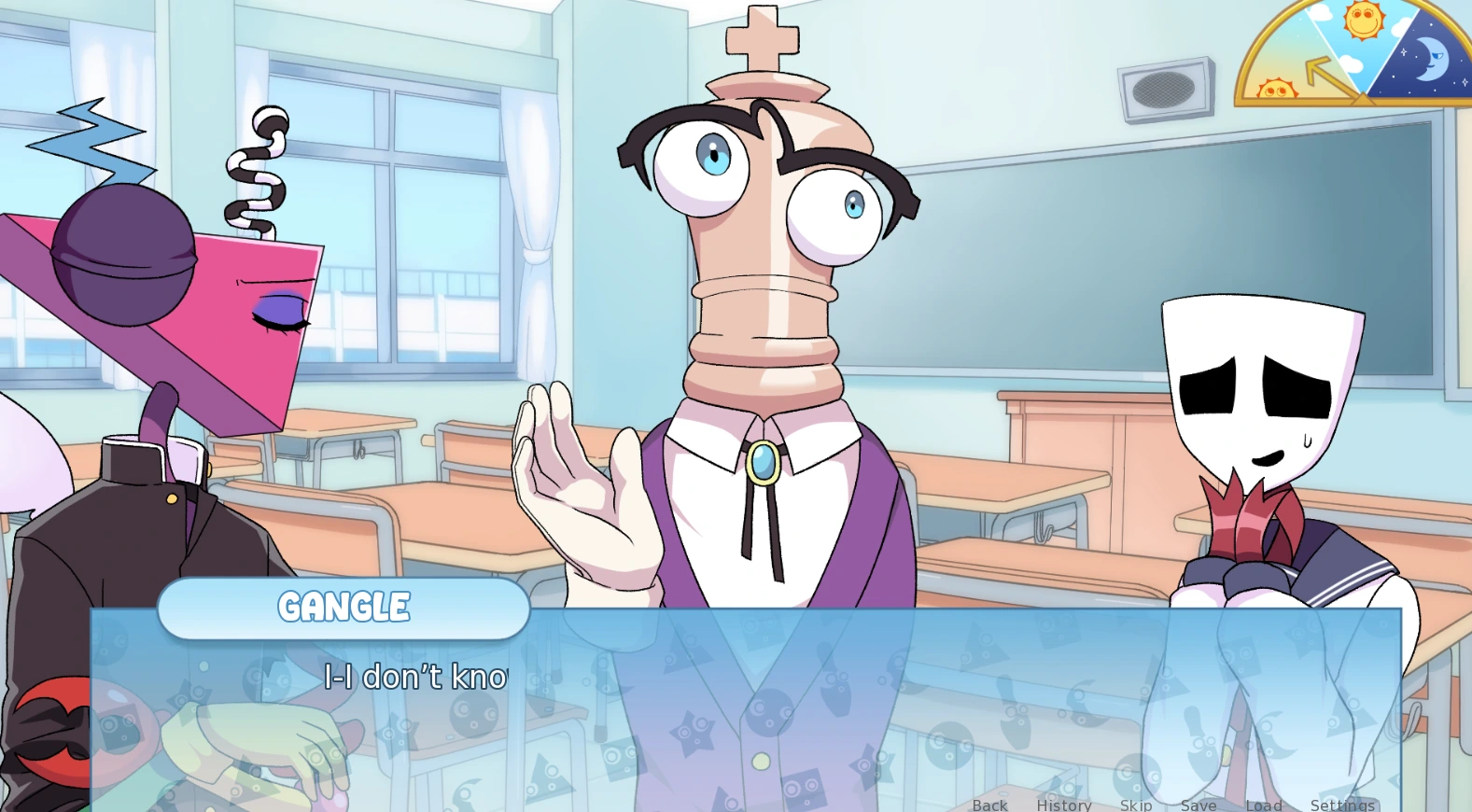
Gangle dialogue scene showing the TADC Dating Sim visual novel interface on mobile

Android

Browser or Official APK

Start in Chrome or another current browser when you want immediate access. For longer sessions, repeated routes, or more predictable local saves, use only the Android file linked from the developer's official itch.io page. Android may ask whether the browser or file manager may install an unknown app; verify the source before granting that one-time permission.
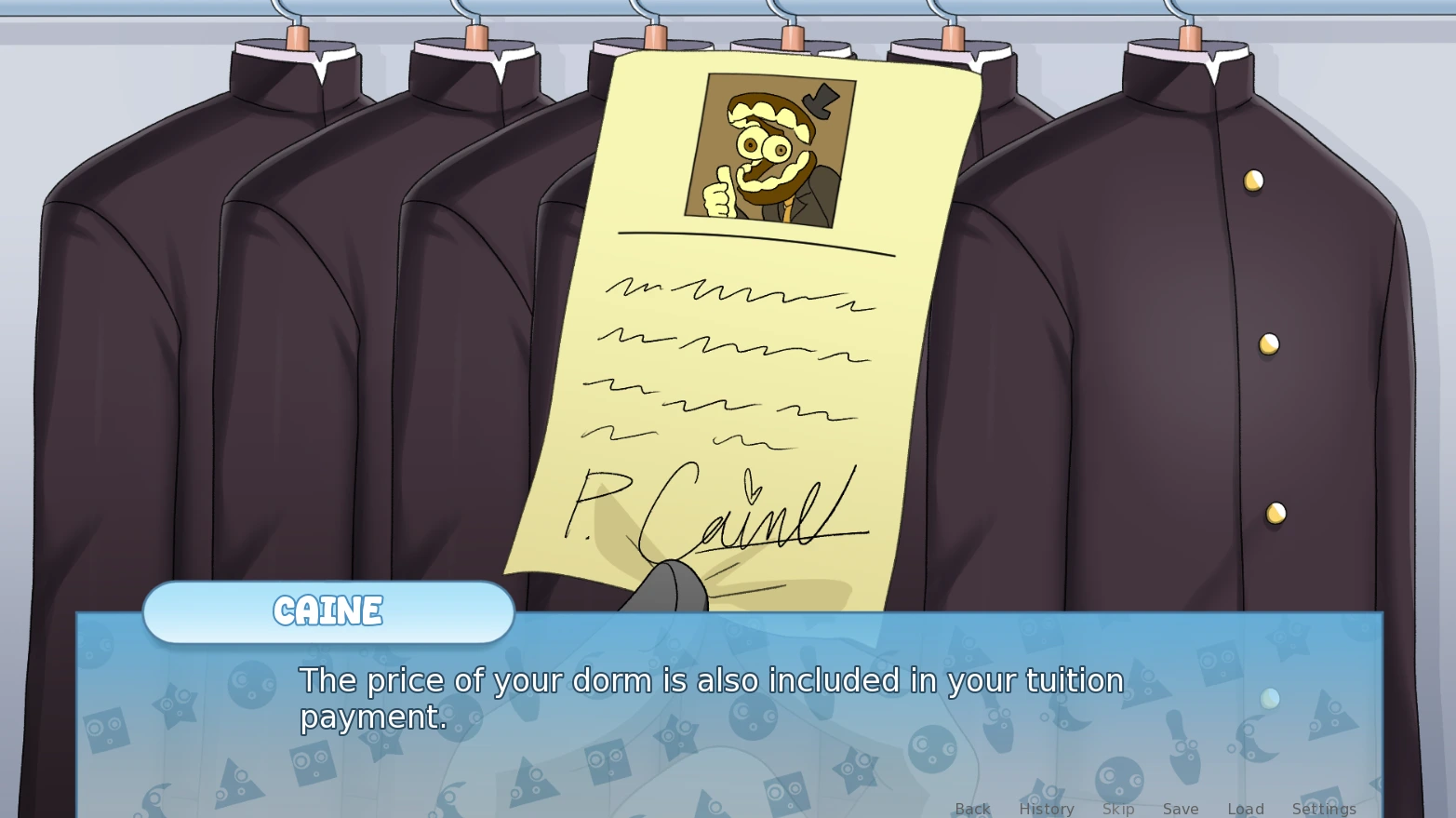
Caine dialogue and menu scene used to explain TADC Dating Sim iPhone browser play

iPhone & iPad

Use Browser Play

Open the page in Safari, press Play, and keep the tab active during the first load. If you want a home-screen shortcut, use Safari's Share menu and choose Add to Home Screen. That shortcut installs the site shell for quicker return; it is not a native iOS game download, and the separately hosted game still requires network access.

Mobile Browser Setup

  1. STEP 01

    Close Extra Tabs

    Free device memory before starting the visual novel, especially on older phones.

  2. STEP 02

    Rotate Landscape

    Landscape gives dialogue, save slots, and choice buttons more usable width.

  3. STEP 03

    Press Play Once

    Keep the tab active while the embedded build downloads its first assets.

  4. STEP 04

    Tap for Audio

    Interact inside the frame before expecting sound or fullscreen permission.

Fullscreen & Touch

  • Tap inside the game before requesting fullscreen.
  • Use landscape when dialogue or choices look compressed.
  • Tap controls deliberately instead of swiping across the iframe.
  • Exit fullscreen before changing tabs or answering a call.
  • Increase browser zoom only if it does not crop the game canvas.

Performance Tips That Matter

Keep several hundred megabytes of free working memory by closing video, social, and game tabs. Do not repeatedly refresh during the first load; one clean reload is more useful than restarting every few seconds.

Disable data-saving modes for the first session if they interrupt large game assets. A stable Wi-Fi connection is usually more reliable than switching between Wi-Fi and mobile data while the build is loading.

Private browsing can restrict or discard storage. Use a normal browser tab if you want route saves to remain available, and avoid clearing site data until you have exported a backup through the game menu when that control is available.

Common Mobile Problems

Start with the smallest reversible fix. Do not clear browser data before checking whether it contains the only copy of your saves.

SymptomLikely CauseFirst Fix
Black frameLow memory, blocked scripts, or an interrupted asset requestClose other tabs, disable the blocker for this page, reload once, then press Play again
No soundMobile autoplay protection or muted media volumeTap inside the frame, raise media volume, and verify the tab is allowed to play sound
Tiny dialoguePortrait orientation or browser chrome taking screen spaceRotate to landscape and use fullscreen after interacting with the player
Tap does nothingThe iframe has not received focusTap once in the center of the game, wait, then tap the intended control
Save missingDifferent browser profile, private mode, or cleared site dataReturn to the original browser profile and use exported backups when available

TADC Dating Sim Mobile FAQ

Can you play TADC Dating Sim on a phone?

Yes. You can try the browser build on a current Android or iPhone browser. A phone has less space and memory than a computer, so landscape orientation, fewer open tabs, and a stable connection make the experience more reliable.

Is there an official TADC Dating Sim Android APK?

Vocastar's official itch.io release page lists an Android file. Download an APK only from that official page; this website does not mirror or repackage the installer.

Is there a TADC Dating Sim iPhone or iPad app?

The official release page does not currently list an iOS package. iPhone and iPad players can try browser play in Safari or another current browser, but compatibility depends on the device and browser memory limits.

Why is the game frame too small on mobile?

Rotate the phone to landscape, hide the browser toolbar when possible, and use the page's fullscreen control. If fullscreen is blocked, tap inside the game first so the browser recognizes a user interaction.

Why does TADC Dating Sim show a black screen on my phone?

Close unused tabs, reload the page once, press Play again, and wait with the tab active. Content blockers, private browsing, low free memory, or blocked third-party game assets can also prevent the embedded build from starting.

Why is there no sound until I tap the game?

Mobile browsers commonly block autoplay audio. Tap inside the game frame, continue past the first screen, and confirm that the device is not muted and the browser tab has audio permission.

Are mobile browser saves permanent?

Browser saves depend on that browser profile and its stored site data. Clearing website data, using private mode, or changing browsers can remove access to saves, so use manual save slots and export saves when the game menu provides that option.

Should Android players use the browser or the official download?

Browser play is convenient for a quick session. The official Android build is usually a better choice for repeated routes and local save management, provided it is downloaded directly from Vocastar's itch.io page.